

Description
A printable project tracker insert for clearer next steps
The Printable Project Tracker Insert is a quiet two-page planning system for turning a busy project into something you can actually see, sort, and move forward.
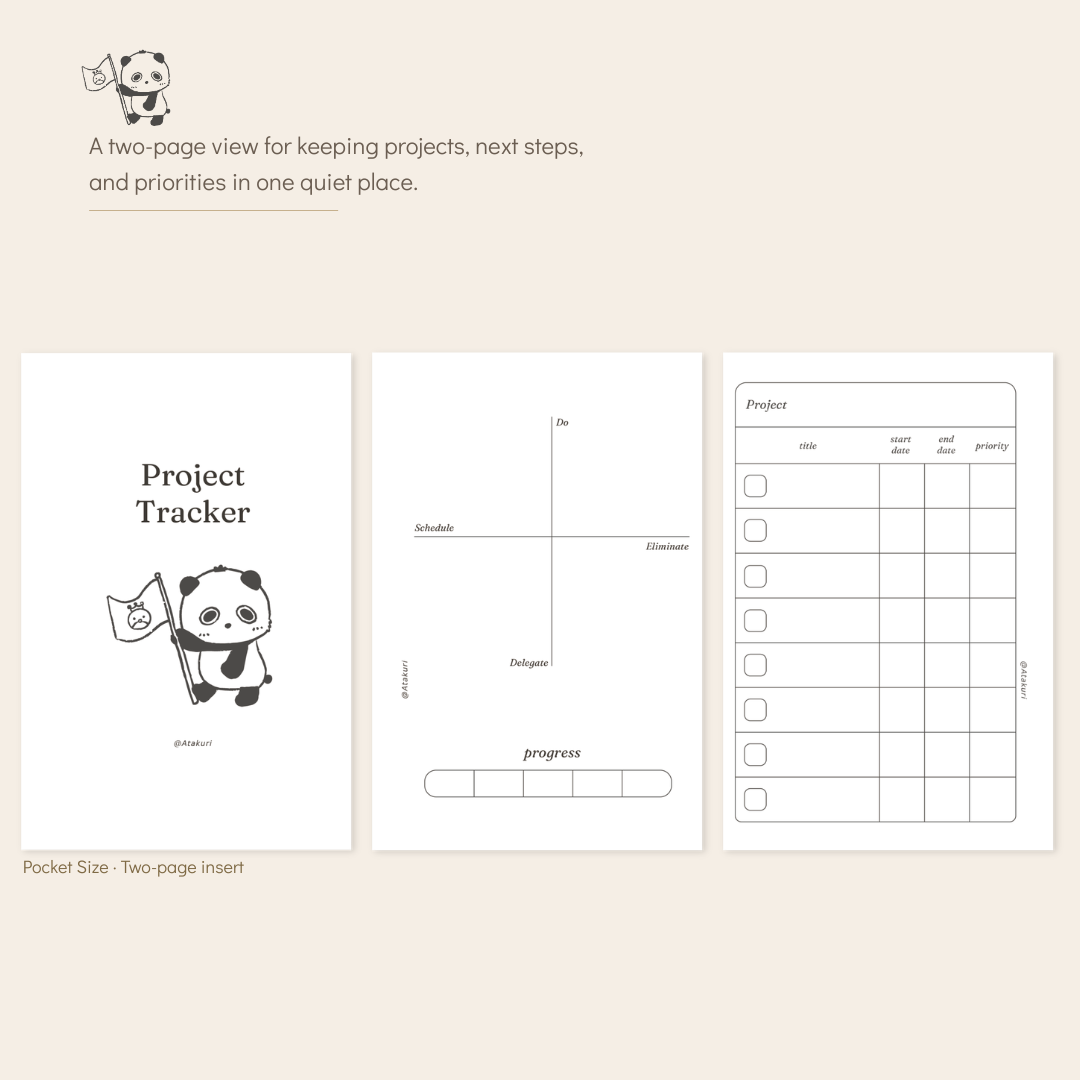
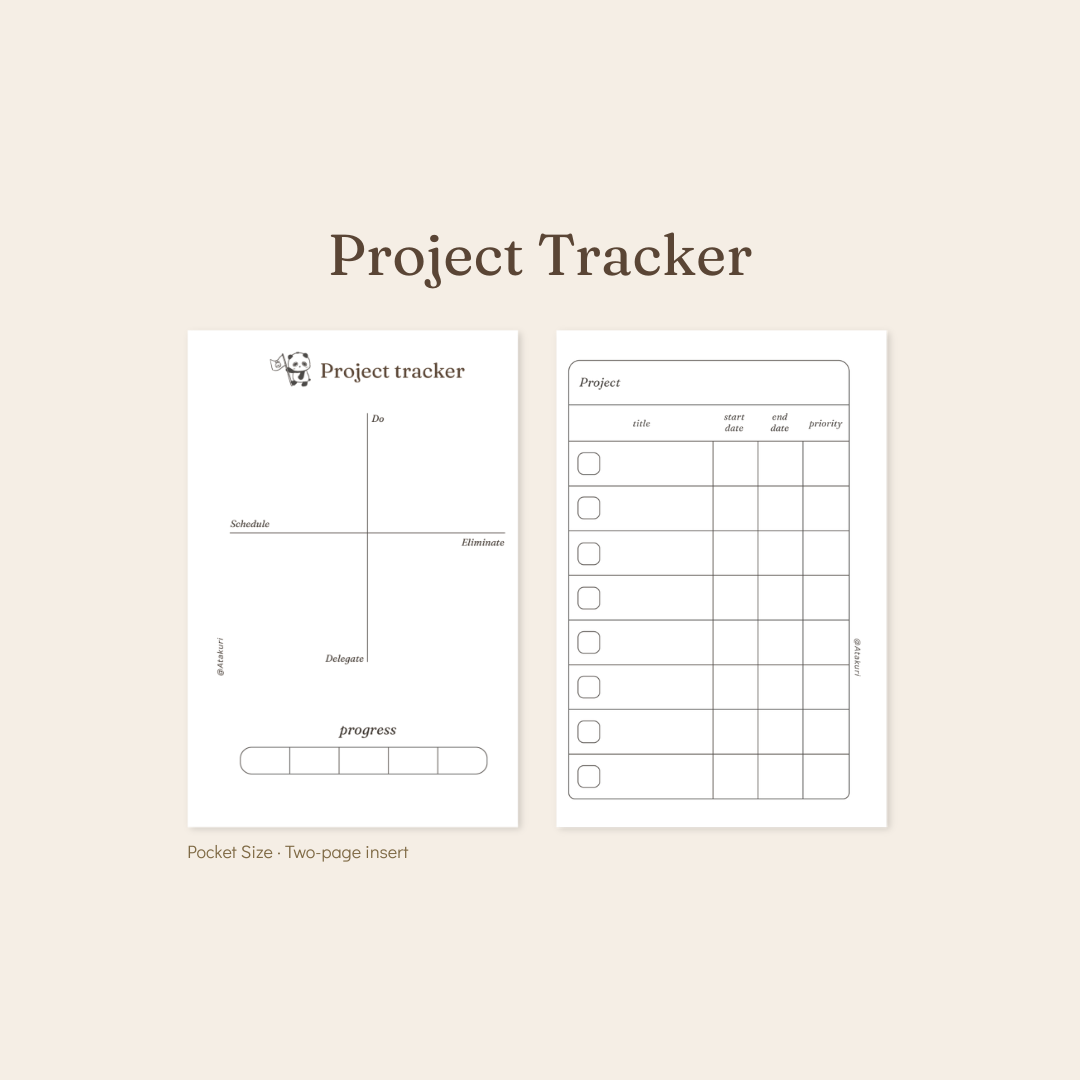
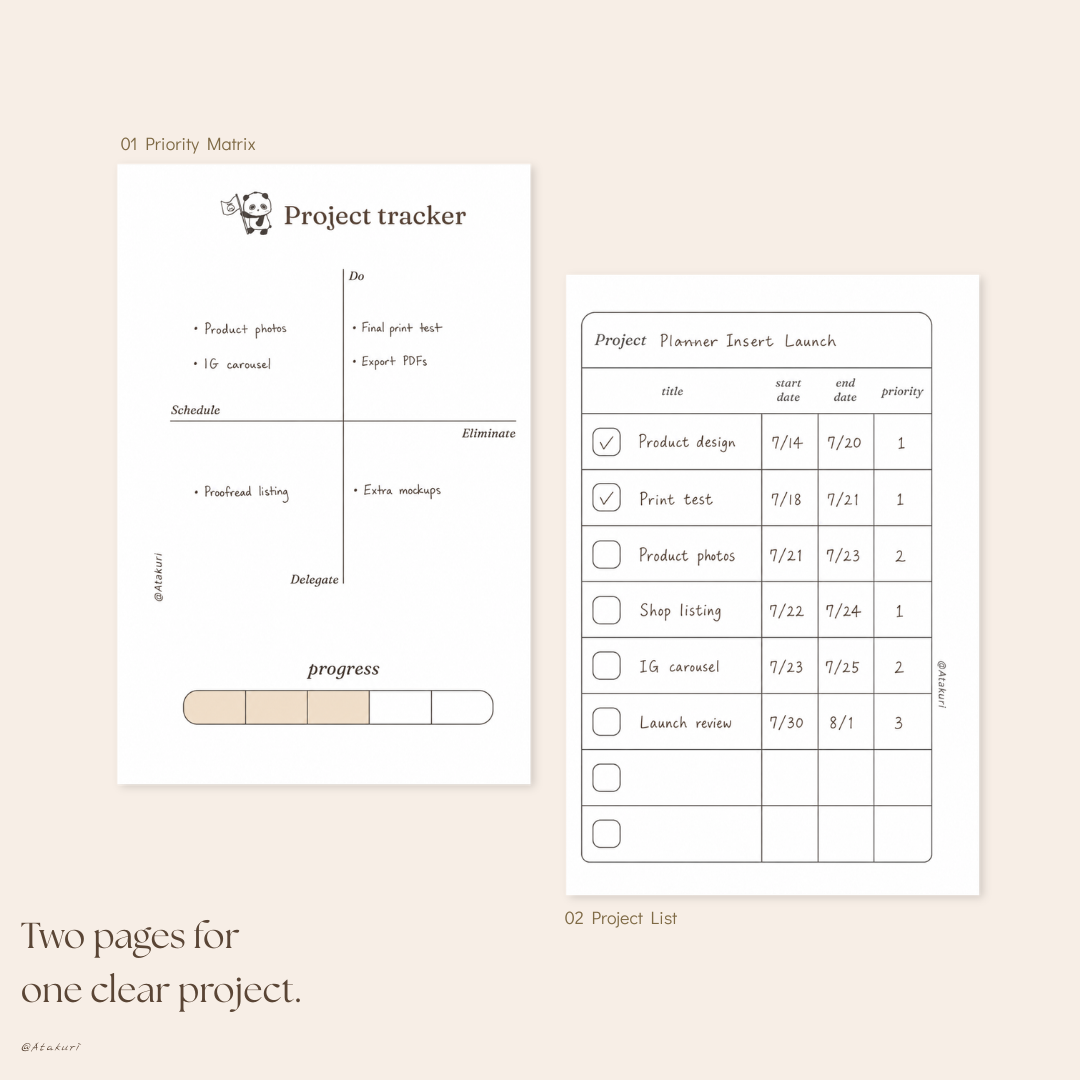
One page helps you decide what to do, schedule, delegate, or eliminate. The other keeps your project title, dates, priority, and progress together in one simple list.
Use the pages as a pair for one focused project, or print extra copies whenever your plans begin to multiply. There is enough structure to keep the important details visible, without making the page feel crowded or demanding.
This printable project tracker insert includes five print-ready PDF sets, plus a simple Read Me guide.
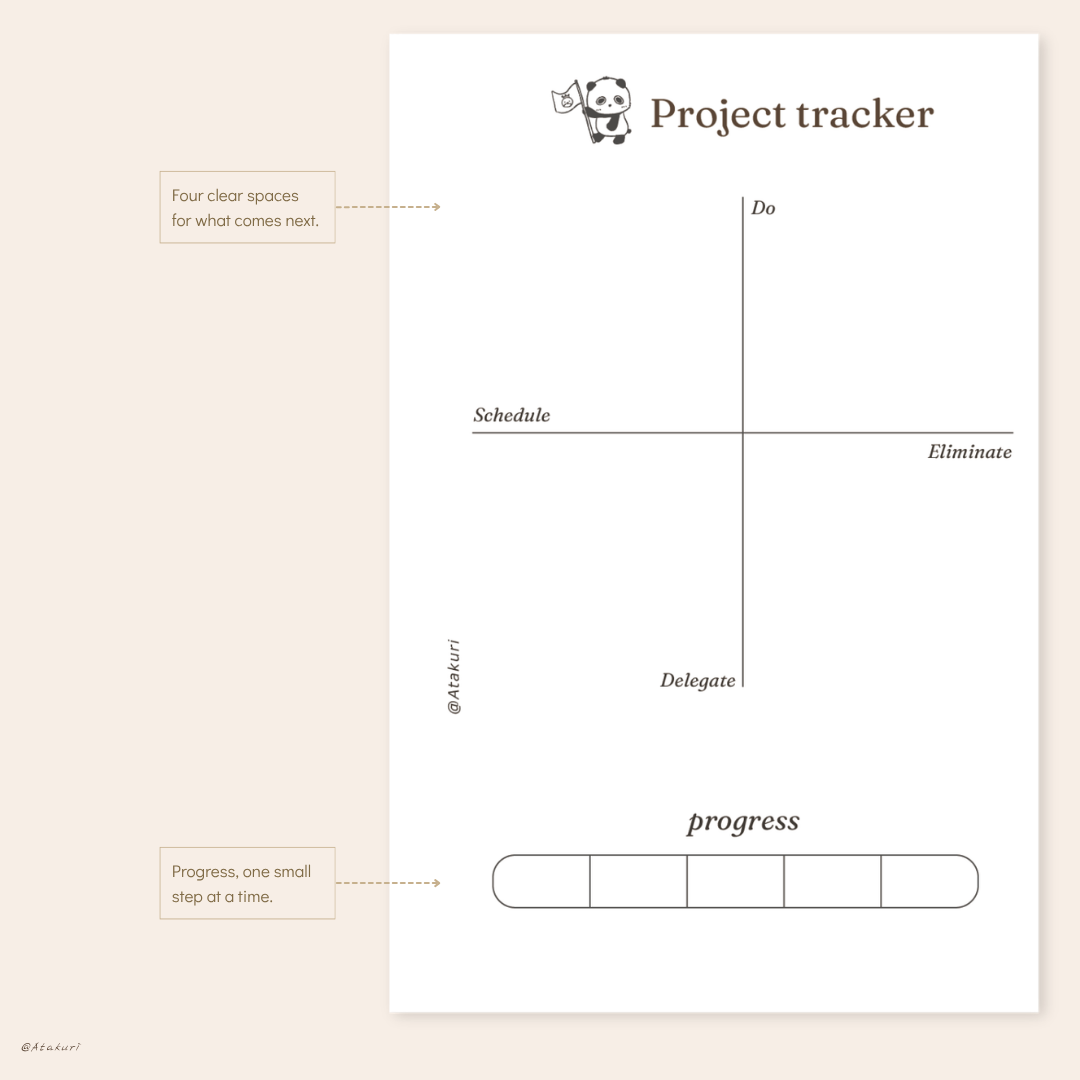
The first planning page is divided into four clear areas: Do, Schedule, Delegate, and Eliminate. Add each task where it belongs, then use the progress bar at the bottom to mark how far the project has come. It is a gentle way to separate what needs attention now from what can wait, be shared, or be removed altogether.
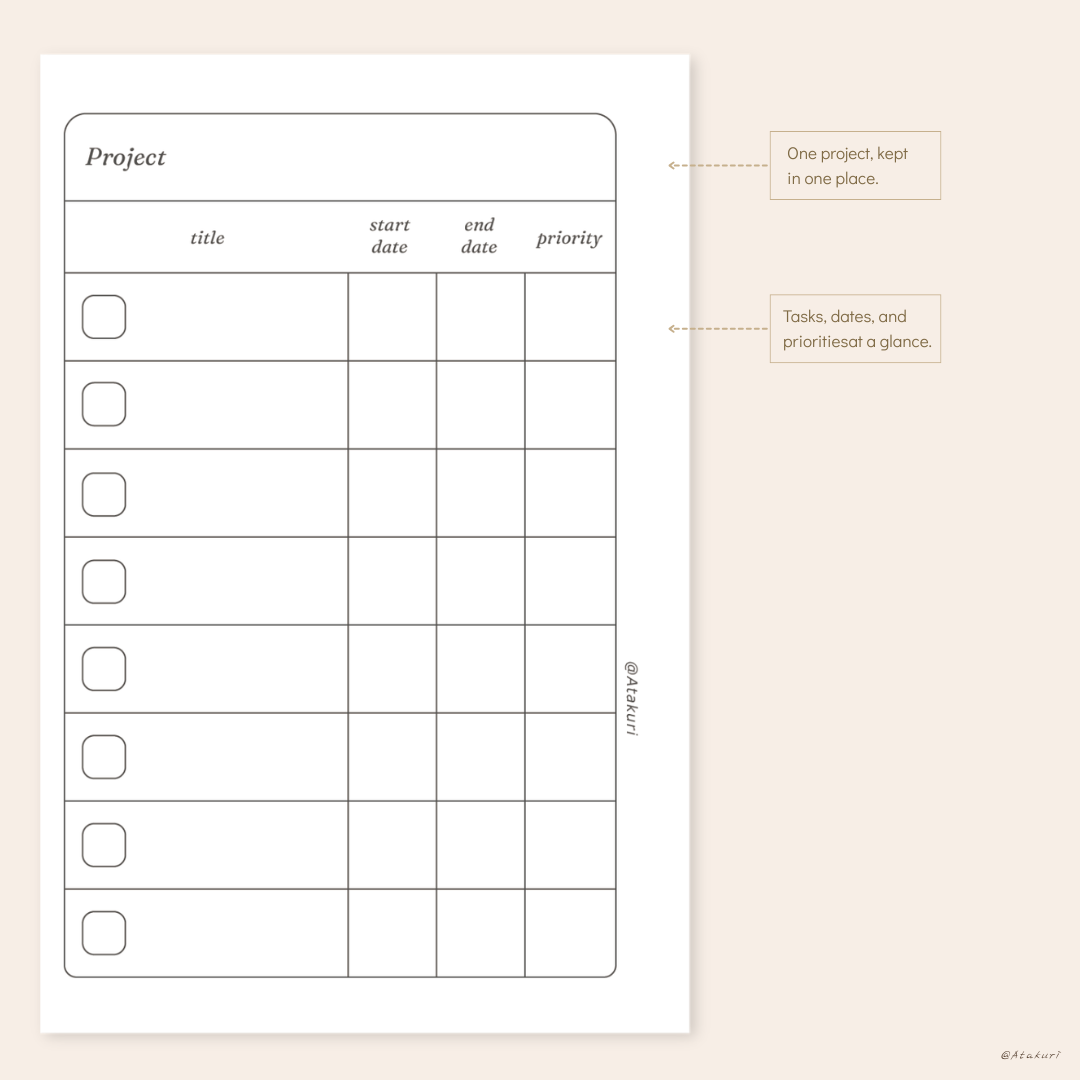
The second page is a project list with space for the project title, individual tasks, start and end dates, priority, and completion checkboxes. It works as a compact overview when you need to see deadlines and next steps without opening several notes at once.
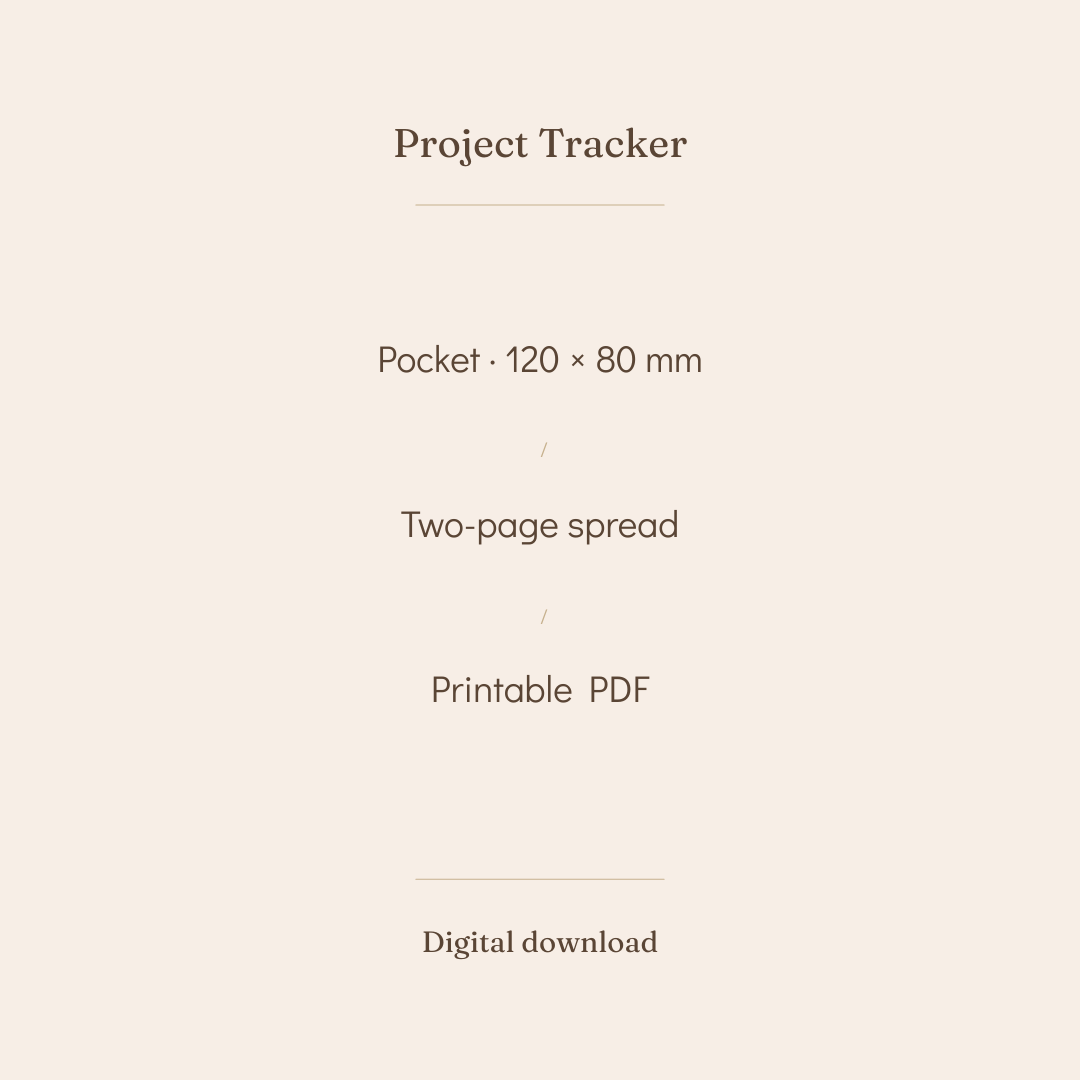
You will receive five printable PDF sets: a Pocket set with a cover, a Pocket set without a cover, and three A4 home-print sheet layouts (with cover, refill, and without cover). Every finished insert measures 80 × 120 mm after trimming. A4 refers to the paper used for home printing, not an A4-size finished planner page.
This printable project tracker insert is for anyone who has several moving pieces in their head and wants a calmer place to put them.
Use it for a creative launch, a home project, a study plan, client work, a small business idea, or the collection of tasks that never quite fits on a normal to-do list. The layout is undated, so there is no pressure to begin on a Monday or finish within a particular month.
It is especially helpful if long project-management systems feel like too much. You do not need to build a dashboard, learn an app, or fill in every box. Start with the tasks you already know, decide what deserves your attention, and let the rest become clearer as you go.
If you enjoy Atakuri’s Slow Week Planner Insert, this project tracker gives you a focused companion for plans that need more than one week. This may not be the right fit if you need shared team collaboration, automatic reminders, or an editable digital template. It is designed for printing and handwriting.
Begin with the project list. Write the project name at the top, then break it into small actions. Add start and end dates only where they are useful, and give each task a simple priority number. Check the box when it is complete.
Next, move to the four-quadrant page. Put the tasks that need direct action under Do. Place time-specific work under Schedule. Use Delegate for anything another person can help with, and Eliminate for work that no longer supports the project. The progress bar gives you a quick visual check-in without asking you to calculate a percentage.
For Pocket pages, print at 100% or “actual size,” trim to 80 × 120 mm, then punch holes to suit your planner. For A4 layouts, print double-sided at 100% scale and choose “flip on long edge.” Cut along the trim marks after printing. If your printer menu uses different wording, Adobe’s guide to scaling and resizing printed pages can help you locate the correct setting.
Regular printer paper is suitable for everyday refills. A slightly heavier paper works nicely for the cover or for pages you plan to keep longer.
Many project planners ask you to map every milestone before you have even worked out the next step. This one starts smaller.
The two-page layout separates decision-making from tracking. The four quadrants help you choose what belongs in the project; the project list helps you follow what remains. Together, they create a practical rhythm: sort, plan, act, and check in.
Because the pages are undated, you can use one set for a weekend project and another for something that unfolds over several months. Print only the format you need, add more refill pages when a project grows, and leave unused fields blank without feeling that the planner is unfinished.
A small Atakuri panda keeps the page warm and personal, while the neutral design leaves plenty of room for your own handwriting, symbols, and notes. It is functional stationery with a little company built in.
This printable project tracker insert is a digital product, so no physical item will be shipped. Once your payment is complete, your ZIP download will be available through the order confirmation.
The PDF files are designed for printing and are protected from editing or copying. You can print fresh pages whenever a new project begins.
Colors may vary slightly between screens, printers, paper, and ink settings. Because this is a digital download, all sales are final and non-refundable. If you have trouble opening the ZIP or printing the pages at the correct size, please get in touch and we will help.
Reviews
There are no reviews yet.